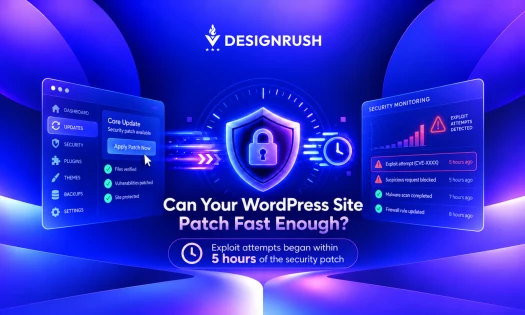

WordPress 7.0.2 was released on July 17 with one critical and one high-severity security issue.
Three weeks later, WordPress 7.0.3 arrived with 12 security fixes, including cross-site scripting, privilege escalation, and server-side request forgery vulnerabilities.
WordPress 7.0.4 followed on August 12 with another security fix.
And each release can mean another round of checks across core software, plugins, themes, user accounts, settings, and older components.
That workload grows quickly when several websites need attention.
SiteGround, an all-in-one platform for online success, is applying AI-assisted WordPress management to these repetitive checks, with an AI agent that can inspect a site and return its findings in one pass.
Why WordPress Plugin Security Requires Regular Checks
Third-party plugins and themes account for a large share of WordPress security vulnerabilities.
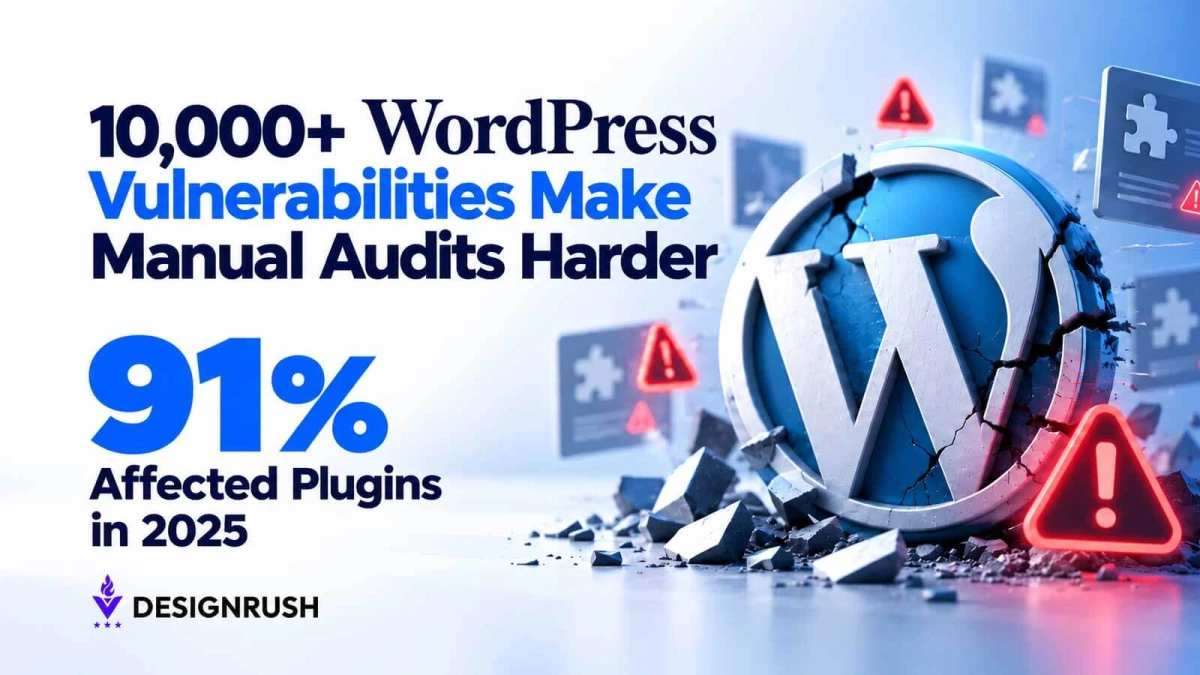
Plugins alone made up 91% of more than 10,000 vulnerabilities recorded in the WordPress ecosystem during 2025, according to Patchstack’s vulnerability database.
The number helps explain why a WordPress security routine can’t stop at checking the WordPress core version.
“A plugin can be popular, recently installed, or simply forgotten in an admin dashboard and still need scrutiny,” says Daniel Kanchev, Director of Product Development at SiteGround.
Patchstack found that older vulnerabilities were among the flaws most heavily targeted in 2025, showing that attackers don't necessarily move on just because a vulnerability is old.
More than six million WordPress websites were exposed to a recently patched Elementor Pro vulnerability, while another flaw in Super Forms affected thousands more, according to reporting on Wordfence research.
And over 440,000 attack attempts had already been recorded against the two vulnerabilities.
“That leaves site owners with a less comfortable question than ‘Did I update WordPress?’” Kanchev adds.
“They also need to know which plugins are installed, which versions they're running, which ones have known vulnerabilities, and whether something sitting unused on the server should still be there.”
Can AI Audit a WordPress Site for Security Issues?
SiteGround’s AI Agent for WordPress is designed for this kind of administrative work.
In a single prompt, it can list users, flag unfamiliar administrator accounts, check installed plugins against publicly known vulnerability data, identify plugins that have gone more than a year without an update, and review several security-related WordPress settings.
“The value isn't that an AI agent suddenly becomes a security team. It doesn't,” Kanchev says.
“The agent works on demand, which means a person has to ask it to perform the audit. It also doesn't scan site files for malware, monitor traffic in real time, configure a firewall, or handle forensic recovery after a compromise.”
Those jobs still require dedicated security tools or security professionals.
An AI audit can flag a vulnerable plugin, but the next step depends on how that plugin is used. It may power a critical feature, have a patch available, or require testing before an update.
A plugin may power a critical feature, have a patch available, or require testing before an update.
SiteGround's guidance therefore puts the audit before the action.
Its AI Agent can report what it finds without requiring its higher-permission Power Mode, while changes such as deleting plugins or users require that safeguard to be enabled.
WordPress now runs on 40.3% of all websites, giving security issues across WordPress an unusually broad reach.
The challenge is keeping basic checks from becoming an administrative chore that gets postponed.
AI doesn't remove that responsibility, but it can make the checking process less tedious.
A security release with several fixes at once can require checks across multiple parts of a site. WordPress 7.0.3 included vulnerabilities affecting the login screen, posts, comments, multisite registration, and URL validation.
A site manager still needs to understand what applies to their installation, but an automated audit can help surface the information without opening every dashboard and hunting through plugin lists by hand.
“There is a broader lesson for website teams here: security isn't a single update button,” Kanchev says.
“It's a recurring administrative process involving software inventories, permissions, configuration, patches, and monitoring.”
Faster audits give website managers a clearer picture of what needs attention.
The decisions that follow still require context, testing, and the right security controls.