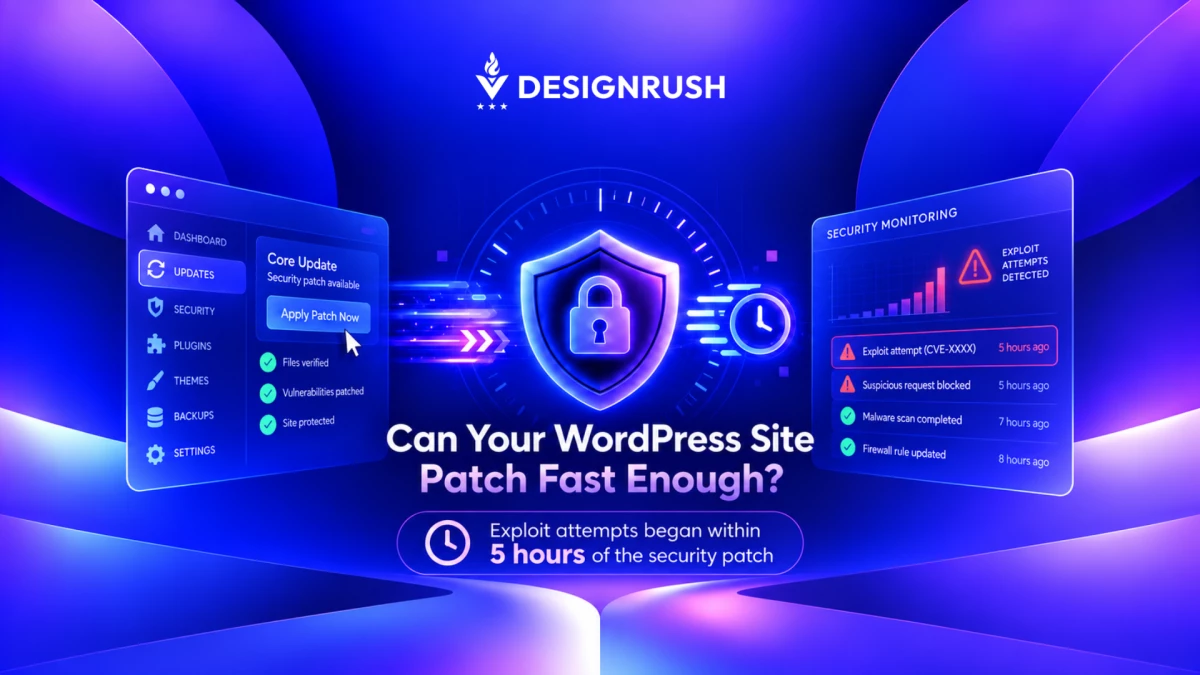

Attackers began probing a critical WordPress vulnerability less than five hours after its security patch became available, according to WordPress security firm Patchstack and reports by Bleeping Computer.
By the following day, attack traffic was running at more than 10 times its first-evening volume, and researchers were seeing attempts to write executable PHP files to servers.
WordPress released version 7.1.2 on Sept. 22 and urged site owners to update immediately.
The fix was also backported through WordPress 4.7 because the vulnerability affects older branches as well.
That is particularly concerning given that W3Techs reports that WordPress powers 40.2% of all websites and accounts for 58.7% of websites using a known content management system.
For UPQODE, a leading U.S. web design and digital development agency, the exploit timeline lands directly inside the work its team already does for WordPress clients.
Its maintenance plans include regular security patching, plugin and theme updates, automated backups, malware monitoring, and staging environments for testing changes before they reach a live site.
UPQODE CEO, Nicolae Pasecinic, says a five-hour exploit window leaves little room for a maintenance process built around waiting for the next scheduled update.
“Five hours is barely a working afternoon,” he says.
“If you first have to notice the advisory, work out which client sites are exposed, get approval, and then start patching, attackers may already be checking those sites.”
Wordfence reviews recent WordPress vulnerabilities and the security risks site owners face when critical flaws remain exposed:
Why CVE-2026-87902 Is Critical
The flaw affects how WordPress Core resolves page templates.
Under certain conditions, an unauthenticated attacker can make WordPress include a readable local PHP file from outside the active theme directories, which can lead to remote code execution.
Patchstack gives the vulnerability a 9.2 critical severity score and says affected versions run from WordPress 4.7 through 7.1.1.
Exploitation, however, still depends on specific conditions.
The active theme needs a top-level directory beginning with page-, such as page-templates, and the server must expose a suitable local PHP file under a compatible configuration.
Those conditions can already exist on live WordPress sites. Patchstack notes that common server setups can satisfy part of the requirement, while page-templates is widely used in WordPress themes.
The attack pattern also changed quickly.
Patchstack first saw reconnaissance against harmless core files. Within hours, attackers were testing whether pearcmd.php was reachable and then attempting to write PHP files to disk.
Public scanning tools for the vulnerability appeared the following day.
For Pasecinic, that progression changes how agencies should think about the first few hours after a patch lands.
“A scan in the morning can become an exploitation attempt later the same day,” he says.
“You need to know which client sites actually meet the conditions for the vulnerability before that happens.”
Wordfence explains how remote code execution can give attackers control over a WordPress site and why RCE flaws require fast patching:
Why WordPress Patch Speed Matters
WordPress told site owners to update immediately to version 7.1.2 or the patched release available for their older branch. Sites that support automatic background updates may receive the security release automatically.
But for an agency managing a portfolio of client sites, patching is rarely as simple as clicking update.
Custom code, plugins, themes, PHP versions, hosting environments, and client-specific functionality can all affect whether a security release can move straight into production.
UPQODE routes updates through a staging environment before pushing them live. Its maintenance workflow also covers WordPress core, plugins, themes, server-level or PHP updates, backups, and security monitoring.
That process gives agencies somewhere to test a critical fix without gambling on the live site. However, testing still has to move fast when attackers are working from the same public patch.
Patchstack also recommends reviewing historical logs when a site was exposed before it was patched.
Requests containing the vulnerable pagename pattern can show whether the code path was reached, while unexpected PHP files in temporary directories may indicate that an attacker progressed further.
Pasecinic says the groundwork has to be done before the advisory arrives.
“The hard part is knowing which client sites are actually exposed and which ones can be patched safely right away,” he says.
“That depends on already knowing what versions, themes, plugins, and hosting environments those sites are running.”
WordPress.com shows how staging environments let teams test updates safely before pushing changes to a live site:
What Agencies Should Check After CVE-2026-87902
Agencies should first confirm that affected sites are running WordPress 7.1.2 or the appropriate patched release for their branch.
WordPress backported the security fix as far as version 4.7.37, so older affected sites can take the patch without first making a major-version jump.
Next comes exposure. Agencies need to know which client themes and server configurations meet the prerequisites for exploitation, then review any site that remained exposed before patching.
For UPQODE, that is also where maintenance becomes more than a recurring update schedule.
Its published workflow combines patching with staging, backup solutions, monitoring, plugin and theme audits, and defined response times for urgent issues.
For brands, a monthly report or routine plugin update does not tell them how quickly their agency can find a critical flaw, identify which sites are affected, test the fix, and deploy it safely.
CVE-2026-87902 puts a number on that response window.
For those relying on WordPress, it may be time to ask yourself. When attackers start looking within five hours, how long does it actually take to get a critical security update from disclosure to every client site that needs it?