
Most of the AEO advice going around right now sounds the same.
Write better FAQs. Put a summary at the top of the page. Answer the question directly in the first paragraph. Use clear headings.
All fine advice, and none of it is wrong.
It's just incomplete, because every bit of it assumes something that often isn't true. The answer engine can read your page in the first place.
I do a lot of this work from the build side, and I keep running into the same thing.
The content is fine. Somebody wrote a good, thorough, genuinely useful page. And the machine coming to read it is getting back a mostly empty document.
Google Search Central explains how websites can become eligible to appear in AI-powered search experiences:
Why Low AI Referral Traffic Still Matters
Conductor's 2026 AEO/GEO Benchmarks Report put AI referral traffic at 1.08% of all website traffic across ten industries, growing around 1% month over month.
That's small, with their own VP of Services stating that fractional percentages like this should tell you the doomsday takes are overblown and you have time to build a thoughtful strategy, but that it'll grow and eventually wreck your long-term plans if you ignore it.
I'd add one thing to that.
The reason to deal with this now isn't the traffic. It's that the fixes take a long time to ship if your site wasn't built with them in mind, and they're cheap if it was.
Here's the stat that reframed it for me.
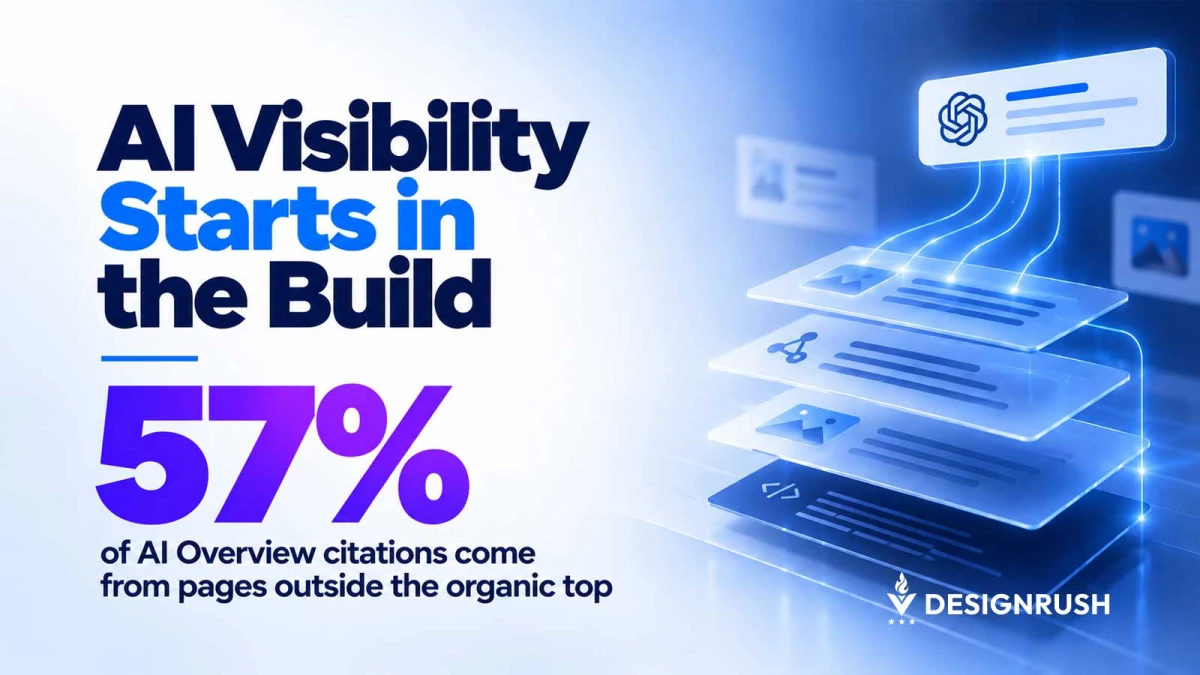
Conductor also found that 57% of AI Overview citations come from pages outside the organic top 10.
Getting cited isn't downstream of ranking. It's a separate qualification process, and it runs on whether your page is machine-readable.
Google Search Central shows how site owners can measure visibility in AI Overviews and AI Mode through Search Console:
What Makes a Page Readable to AI Crawlers
While the checklist is boring and mostly lives in the codebase, it really comes down to four things:
1. Server-Rendered HTML for AI Crawlers
Server-rendered HTML is the big one. If your content only exists after JavaScript executes, you're depending on whether a given crawler runs JS, how patient it is, and whether it times out.
Googlebot handles JavaScript reasonably well. Other crawlers may not render it the same way, and some may not execute it at all.
2. Schema and Page Structure
Then there's schema, which needs to be accurate rather than merely present. Heading hierarchy should reflect the actual structure of the page instead of whatever looked right in the design.
Entity consistency matters too, meaning your business is described the same way on your about page, service pages, footer, and schema.
3. Robots.txt and AI Crawler Access
Crawler access rules in robots.txt are worth checking regularly. AI user agents may still be blocked by rules that nobody has revisited in years.
4. Authorship and Factual Detail
Dated authorship with a real person attached matters. So does factual density, which is just the boring habit of putting specifics on the page instead of adjectives.
None of that is content strategy. It's a build spec.
Google Search Central explains how JavaScript rendering affects whether search crawlers can access and index page content:
How Website Template Errors Can Block AI Citations
This is the part that gets missed when AEO is treated as a content workstream.
Say your blog template renders the post title as a div with a class that makes it look like an H1, and the actual H1 is the site name in the header.
That's not one broken page. That's every post you've ever published, because it's one file.
Same with a schema block that's missing the author field, or a content area that loads through a JS-driven tab component.
A content team can't fix any of that. They can write around it, and I've watched teams try, but they're writing better content into a container that isn't being parsed correctly.
That's also why I think agencies that don't touch the build are stuck giving incomplete advice here.
If you can't open the template file, the best you can do is write a recommendation and hand it to whoever can.
We build and host most of our clients' sites, so when a heading structure is wrong across a whole post type, that's a twenty-minute fix, not a six-week ticket in somebody else's backlog.
Google Search Central explains how structured data helps machines understand page content and how site owners can check whether it is working correctly:
How to Check If AI Crawlers Can Read Your Pages
You don't need a tool for most of this. You need about an hour and six simple checks.
1. Load the Page Without JavaScript
Start by pulling a page with JavaScript disabled. Curl it from the command line, or just turn JS off in your browser and reload.
Whatever's left is roughly what a non-rendering crawler sees. If your main content disappears, that's your answer and you can stop there.
2. Check the Source HTML
View source and confirm your key content is in the HTML rather than assembled client-side.
3. Check the Main Heading
Make sure the page has a clear main heading and that it accurately describes what the page is about.
4. Validate the Schema
Run your schema through a validator and read the output instead of glancing at the pass/fail.
5. Review Robots.txt
Open robots.txt and read every line. Look specifically for AI crawler user agents that may still be blocked by rules nobody has revisited in years.
6. Test Whether AI Can Find the Page
Search a distinctive sentence from the page in an AI tool and see whether it can find and attribute the page at all.
That one's crude, but it's fast and it tells you something.
Google Search Central explains how robots.txt controls crawler access and how blocking rules can affect whether pages are available to search engines:
Why AEO Strategy Needs Developers
I understand why AEO got filed under content. Content teams move faster, the deliverables are easier to point at, and "publish more FAQs" is a plan you can put in a deck.
But the constraint usually isn't what the page says. It's whether the page arrives intact at a system that only gets one shot at reading it.
If you're investing in AI search visibility and your developers haven't been in the conversation, that's probably the gap.
Get them in the room before you brief another twenty articles into a template that isn't rendering.