
UX/UI Design for SaaS Growth: Key Findings
- 88% of users leave after a bad experience, making UX a top retention driver.
- 200%+ boost in conversions is possible with an intuitive, user-focused design.
- Designli’s 5-day Impact Week uncovers UX issues and delivers fast, strategic ROI.
User experience is everything.
Nearly 9 in 10 consumers say they won’t return after a poor digital experience, according to Think with Google.
On the flip side, well-designed interfaces can increase conversion rates by over 200%, according to Think with Google.
It’s not hard to see why.
Even small UX gains can drive significant results: Forrester’s 2024 CX Index reports that minor improvements can lead to tens of millions in revenue growth, reduced churn, and greater wallet share.
That’s why prioritizing an intuitive SaaS user interface, featuring ease of use, visual appeal, and seamless functionality, is the key to building long-term loyalty and value.
Editor’s Note: This is a sponsored article created in partnership with Designli.
4 UX/UI Wins That Directly Impact SaaS Growth
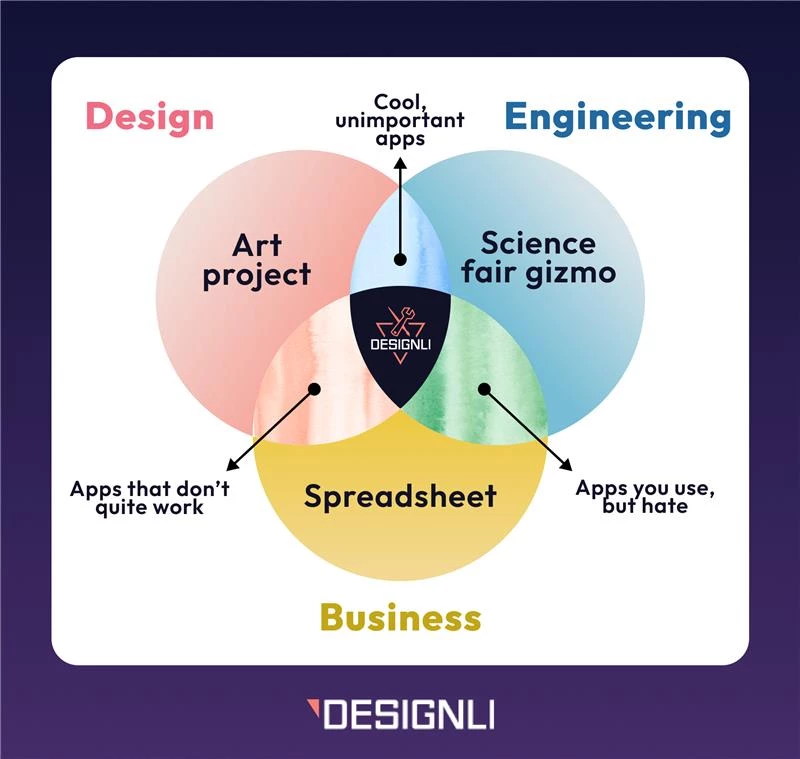
According to software development agency Designli, there are four reasons why great UX/UI design is non-negotiable for SaaS success.
- Improves Retention: An intuitive, seamless experience keeps users engaged and drives higher retention.
- Boosts Conversion Rates: A polished, user-friendly interface reduces friction and makes moving users from free to paid plans or prompt in-app purchases easier.
- Enhances Brand Perception: Strong design signals professionalism and builds trust. Consistent visuals clarify brand identity and strengthen credibility.
- Reduces Support Costs: An intuitive interface helps users solve problems on their own, leading to fewer support requests and lower service costs.
These four pillars clarify that investing in UX/UI design is crucial for SaaS growth.
But knowing why it matters is only half the battle.
The next step is understanding how to put these principles into action.
5 Steps to Improve Your SaaS UX/UI Design
Here’s Designli’s practical, step-by-step approach to improving your SaaS UX/UI design and turning these benefits into measurable results:
Step 1: UX Audit
To determine where users are getting stuck, identify what works and what doesn’t.
Review the UX design process by focusing on user flows, interface structure, and whether key features can be accessed easily.
Look for friction points, like too many steps, unclear layouts, or complicated menus.
Step 2: User Feedback
Dig into what users are experiencing. Use tools like Hotjar or short surveys to reveal the common pain points.
Patterns in the feedback will highlight bigger issues like missing features, limited customization, or hard-to-find functionality.
Step 3: Navigation and Workflows
After pinpointing the problem areas, focus on smoothing out user journeys. Cut unnecessary clicks and create clear, intuitive paths to help users navigate the platform effortlessly.
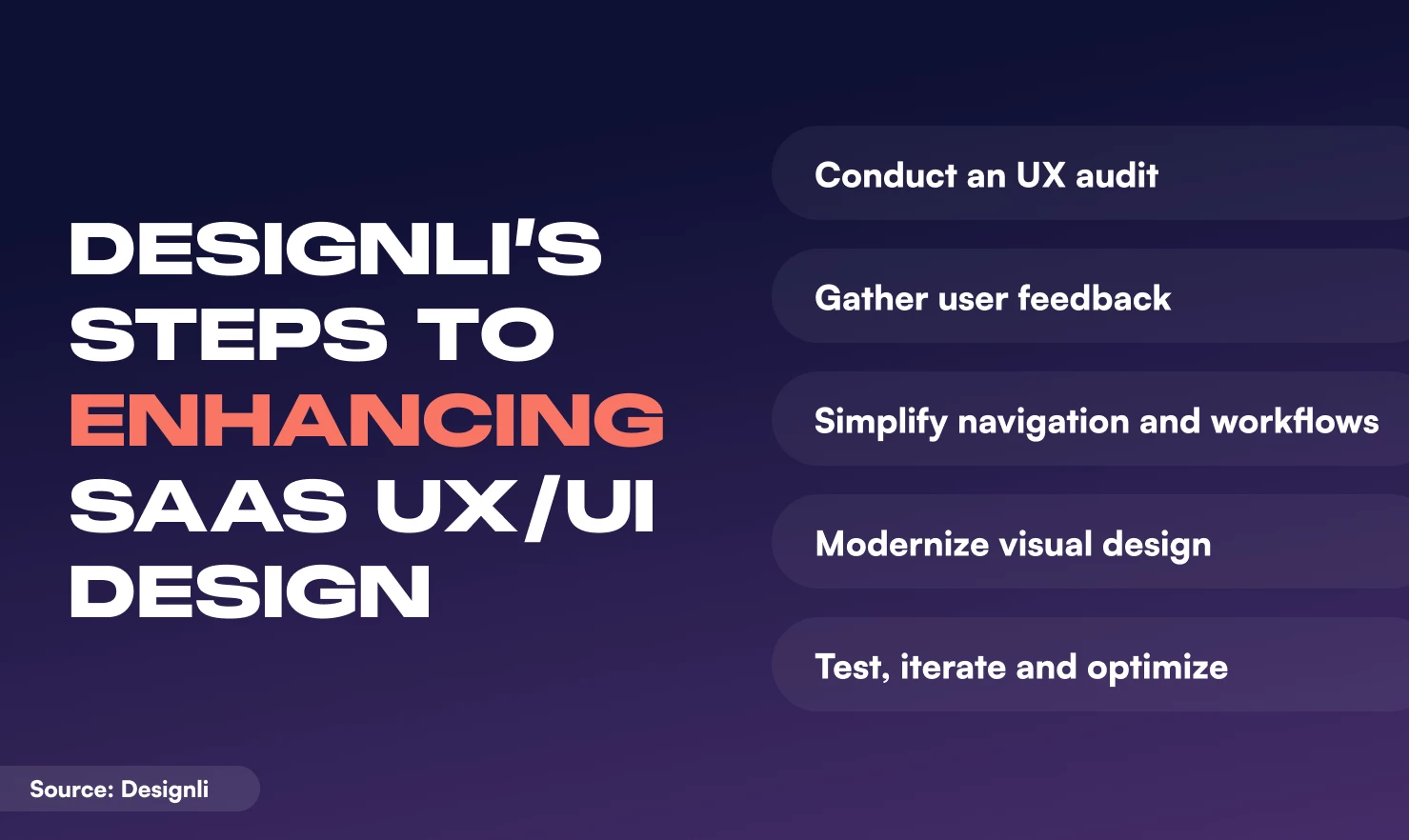
Step 4: Modernize Visual Design
Refresh the product’s look with a clean, modern interface.
Use clear typography and balanced colors to ensure readability. The design should feel contemporary but grounded in proven digital design standards.
Step 5: Test, Iterate, and Optimize
Test the updated design. Use A/B testing to evaluate changes, identify what works best, and confirm the interface meets user needs.
This ongoing refinement is key to ensuring improvements deliver real value.
Improving UX/UI is an ongoing effort that benefits from structured evaluation and collaboration. Bringing together design, development, and product expertise helps pinpoint issues and create a clear plan to enhance the user experience.
One way to achieve this is through Designli’s Impact Week: a focused, one-week deep dive that reviews your current product, diagnoses challenges, and outlines a path forward.
The process isn’t about quick fixes, but rather thoughtful alignment of user needs and business goals.
The insights gained during Impact Week translate directly into tangible benefits:
- Higher Retention Rates: Users stay longer when the product is simple and enjoyable to use
- Increased Customer Satisfaction: A user-friendly interface leads to happier customers and better reviews
- Competitive Advantage: A polished, well-designed product stands out and improves the chances of outperforming competitors
- Improved ROI: Improved UX/UI boosts conversions, renewals, and revenue, driving revenue growth that justifies the investment
Founders don’t always need to rebuild their products from scratch. But when priorities are unclear, tech debt is growing, and users are dropping off, it’s a signal to pause and reassess.
A strategic reset helps teams refocus on what matters: real user needs, business goals, and a roadmap that supports both.
With the right structure and mindset, even complex SaaS challenges can be untangled and turned into forward momentum.