
Figma AI-Assisted Web Design: Key Findings
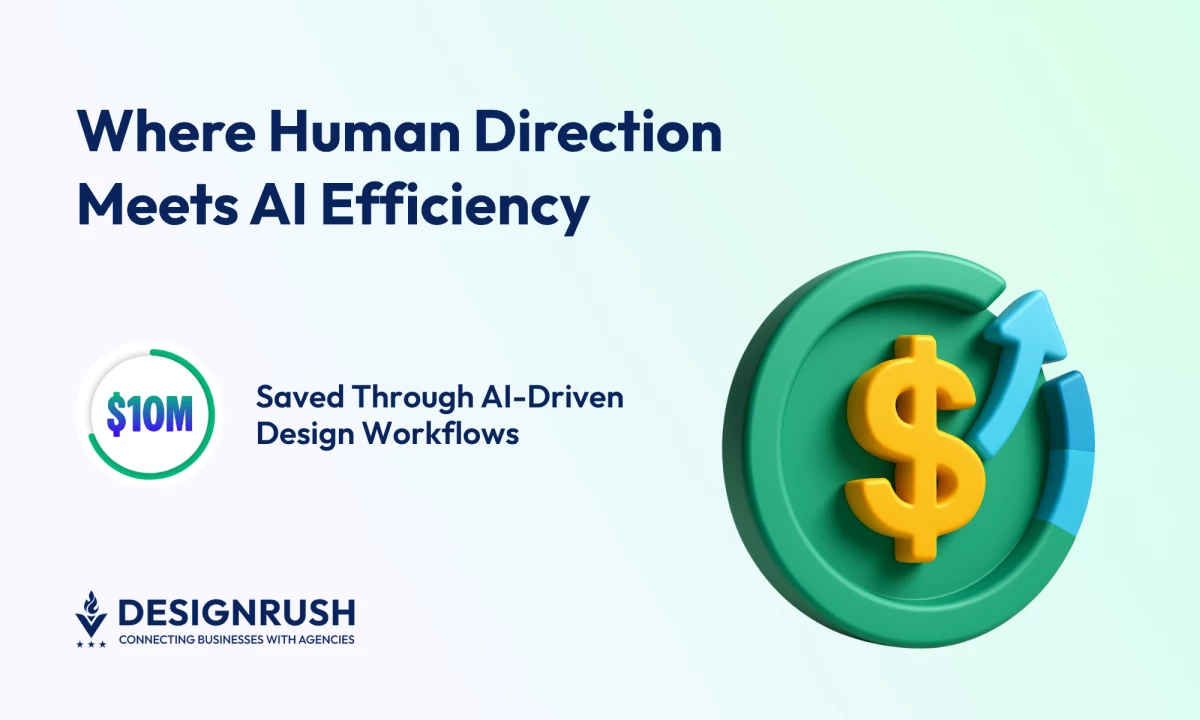
- Figma’s AI-assisted Dev Mode saves developers roughly 90 minutes per week, adding up to $10 million in efficiency gains for the composite organization over three years.
- AI accelerates design work, but human review ensures outputs stay on-brand, strategic, and error-free.
- Combining AI speed with human judgment turns faster workflows into meaningful growth, improving engagement, consistency, and long-term results.
Figma’s Dev Mode helps developers get back more than 90 minutes each week, according to Forrester Consulting.
Over three years, that time adds up to nearly $10 million in savings for the composite organization.
Clearly, as a tool for speed, AI can help teams launch faster while keeping costs down.
But if there’s no human oversight, it’s easy to lose sight of the bigger picture. Moving fast only works when the direction is right.
Award-winning full-service agency Digital Silk recommends practical fixes:
- Bake templates and style constraints into the workflow
- Add short review gates for customer-facing assets
- Assign a named owner to sign off on every release
Think of AI as a power tool: fast and useful, but best handled by someone who knows the wiring.
Editor's Note: This is a sponsored article created in partnership with Digital Silk.
Digital Silk’s Guide to Growing Brands Online shows that growth comes from clarity, not noise.
Its research points to a simple pattern:
- Build real connections with your audience
- Communicate a clear value
- Focus on meaningful engagement rather than chasing attention
Humanized branding, benefits-focused CTAs, and transparent data practices turn consistency into trust.
The agency’s strategists say that staying relevant means listening daily, adapting fast, and keeping every design choice rooted in what customers actually need.
“Speed and automation only create value when they reinforce strategy.
AI helps brands move faster, but it’s the human layer that defines goals, applies context, and turns efficiency into real growth,” said Gabriel Shaoolian, founder and CEO of Digital Silk.
Tools like Figma’s new suite show how much faster workflows can move when technology handles repetitive tasks, but speed only pays off when humans guide the process.
Figma is expanding its platform so designers can complete projects without switching apps, according to The Verge.
Its new tools, Sites, Make, Buzz, and Draw, cover websites, AI coding, branded marketing, and vector design.
Here’s a quick rundown:
- Sites turns prototypes into live websites with templates and AI-generated interactions, while Make converts prompts into working code.
- Buzz lets teams produce brand-approved marketing assets quickly, and Draw adds scalable vector tools inside Figma.
These tools speed up workflows, but human oversight is still what keeps outputs useful and on-brand.
But for CMOs, faster production only matters if it doesn’t compromise quality.
While Figma’s new tools let teams move quickly, outputs still need context, strategy, and brand alignment.
Digital Silk recommends embedding templates, style constraints, and brief review checkpoints to keep speed from turning into mistakes.
“AI gives teams bandwidth, but humans define the value,” Shaoolian added.
“It’s not enough to move fast. Every piece of content, every code snippet, and every design decision needs a human check to ensure it aligns with strategy, brand, and customer expectations.”
When workflow efficiency is paired with a clear strategy, marketing teams can deliver more work that actually connects with their audience and supports business goals.
A Mini Checklist for CMOs: Implementing AI Safely
Use this quick checklist to keep your AI workflows fast, focused, and aligned with brand strategy.
1. Define human oversight points:
Assign a named owner to review every AI-generated asset. This ensures content, design, and code stay aligned with brand strategy and customer expectations.
2. Embed templates and style constraints:
Use pre-approved layouts, typography, and color schemes. AI can generate quickly, but consistent visuals and messaging still need guardrails.
3. Set short review gates:
Add brief review points for key assets, such as website pages, social posts, and emails, before they go live. Catching small errors early keeps them from turning into bigger problems.
4. Track performance and feedback:
Monitor real user engagement, conversions, and error rates. Let data guide adjustments to AI workflows rather than assumptions.
5. Start small, scale intentionally:
Pilot AI tools on low-risk projects first. Once processes and oversight are proven effective, expand usage across campaigns or product teams.
In practice, smart AI use is about making faster work meaningful and aligned with your brand and audience.
Making AI Work for Your Brand
AI speeds up workflows, but human judgment gives them purpose.
As Digital Silk’s research shows, teams that combine automation with strategy ensure every asset reinforces brand values and engages real audiences.
Fast work becomes meaningful work, and efficiency translates into measurable growth. The advantage lies in decisions guided by insights, where every release is tested against user experiences and business goals.
Thoughtful use of AI allows teams to experiment, learn, and iterate without sacrificing quality.
Over time, this approach builds consistency, trust, and credibility while driving stronger engagement and lasting results.