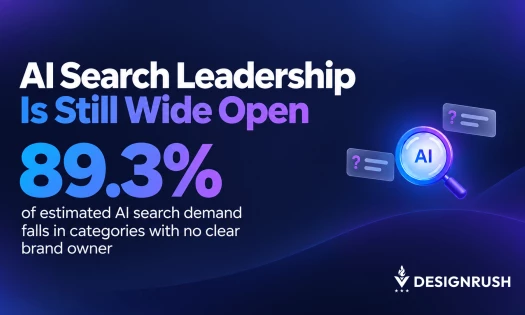

Did you know that a recent McKinsey survey found that 65% of organizations are now using generative AI in at least one part of their business? That’s a big jump from just one-third of companies the year before.
One company capitalizing on this trend is Smartsheet, which recently launched a sweeping redesign of its platform.
As a leader in work management software, Smartsheet’s new look is designed not only to enhance usability but also to provide users with a smarter, more intuitive experience.
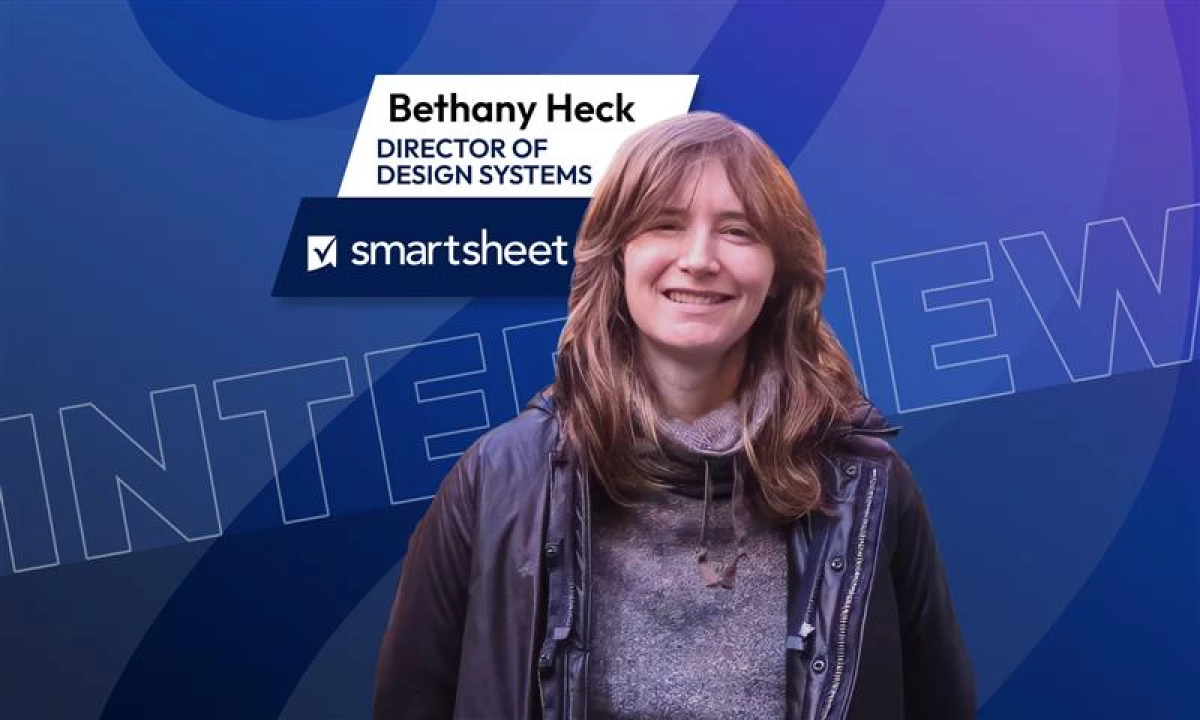
In our interview with Bethany Heck, Director of Design Systems at Smartsheet, she shares how user feedback and AI-driven design are redefining productivity tools, setting new standards for usability and innovation.

Who is Bethany Heck?
Bethany Heck serves as the UX Director at Smartsheet, where she leads the Design Systems program. With a multidisciplinary background in design and a passion for typography, Bethany is at the forefront of the company's mission to deliver a seamless, user-friendly experience across its platform.
Smartsheet’s recent redesign is a direct result of customer feedback gathered from its Early Adopter Program (EAP). This program encouraged users to test out new features and provide valuable insights that helped shape the platform’s direction.
“Customer feedback drove many of our decisions.
What’s so wonderful about the EAP and the power of design systems is that it lets us make improvements to all our surfaces, at any stage of availability, at the same time, without needing to worry that other Smartsheet teams would miss improvements made in Early Access.
When we improve in an EAP experience, our generally available releases get the same improvements, as do the features that are still being built.”
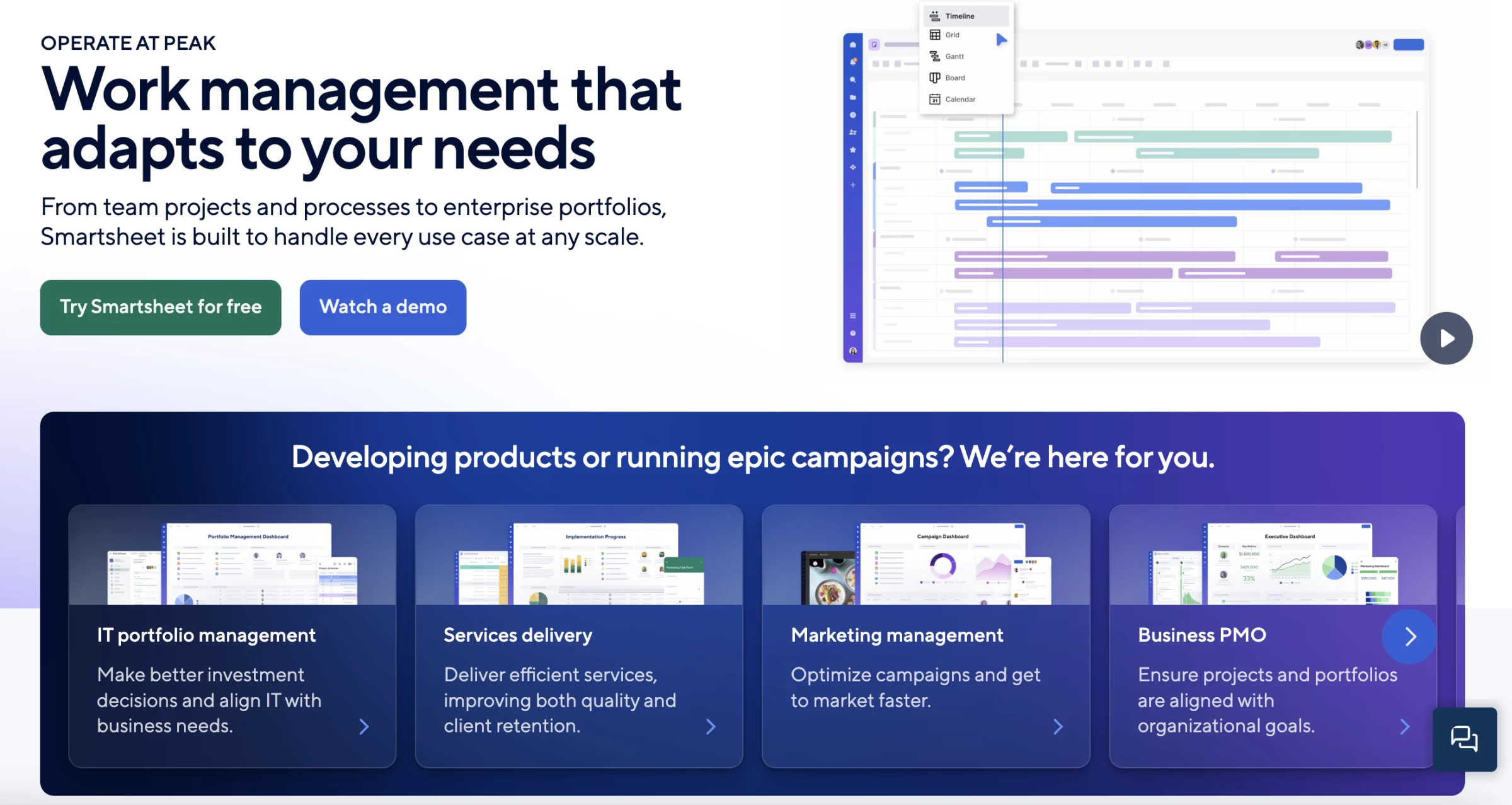
The result is a platform that’s easier to navigate, with new visual elements and AI-powered features designed to save users time and reduce friction.
Smartsheet platform’s updated color palette, rounded surfaces, and streamlined iconography provide a more vibrant, approachable interface, helping users feel comfortable whether they are managing entire projects or accessing dashboards on their mobile devices.
Enhancing Ability & Usability
Smartsheet is redefining productivity by creating tools that empower everyone — from seasoned professionals to first-time users — to achieve their goals with ease and efficiency.
“Our new look and feel will appeal to all users, whether they manage entire portfolios or need to reference dashboards on their phones,” Bethany emphasized.
“Our redesign needed to work for all Smartsheet products and the various types of users, whether small businesses or enterprises.”
The cohesive design system allows users to transfer knowledge seamlessly across the platform, creating an intuitive and efficient experience.
AI Integration — A Game-Changer for Smartsheet
One of the standout features of the redesign is its integration of AI. Smartsheet’s AI tools are designed to go beyond surface-level functionality, offering users actionable insights and advanced capabilities.
“For example, formulas are a powerful tool in Smartsheet, but building formulas is a pretty specialized skill,” Bethany explained.
“With our generate formulas AI tool, customers can create advanced formulas to power their work at scale with a simple, natural-language description of what they want to do.”
This AI-driven approach empowers users to optimize their workflows, making complex tasks more accessible to non-specialists. Looking forward, Smartsheet aims to continue evolving with emerging technologies and user needs.
“We’re focused on adapting our design system to meet the needs of dynamic, hybrid teams — ensuring that new features are user-friendly, visually cohesive, and support fluid, team-wide collaboration across any context.”
Designing for Diverse Users
The redesign wasn’t just about a fresh look. It also aimed to make Smartsheet’s extensive suite of features more accessible to a range of users, from those new to the platform to seasoned power users.
“All the effort to align Smartsheet’s experience has paid off by enabling users to learn patterns and controls once and confidently apply that knowledge throughout the usability of the entire platform,” Bethany says.
Smartsheet users can trust that knowledge will transfer everywhere in the platform, whether they are accessing it on a desktop or through an app.
The Future of Work Management
With this redesign, Smartsheet solidifies its position as a leader in the work management space, addressing critical trends like the democratization of work management tools and the growing demand for scalable, flexible solutions, and partnerships with AI companies to deliver innovative, data-driven workflows.
The platform’s low-code/no-code environment empowers users to build workflows and applications without specialized skills, ensuring accessibility for all.
For Bethany, innovation is a journey, not a destination.
“We are constantly working on making Smartsheet the best place for people to get work done, and we plan to continue executing that vision.
We’re focused on adapting our design system to meet the needs of dynamic, hybrid teams — ensuring that new features are user-friendly, visually cohesive, and support fluid, team-wide collaboration across any context.
Smartsheet will continue to focus on enhancing our user experience and build on what we do best — simplifying and automating work, so everyone can focus on driving meaningful results.”
As Smartsheet continues to innovate, businesses of all sizes can benefit from its user-centered design and AI-driven features, which promise to make work management simpler and more efficient than ever before.