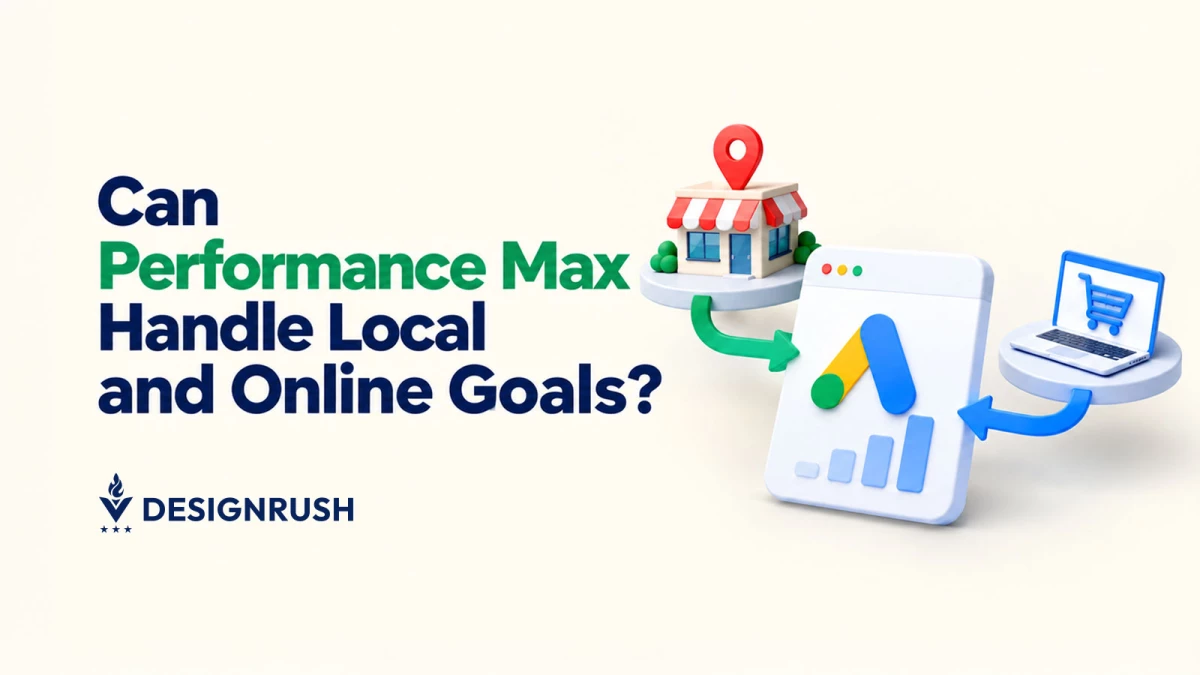

If you look closely at Google’s latest Performance Max release, the takeaway you should gather is that you need to stop throwing all your conversion goals into one giant automated blender.
Google recently rolled out Local Customer Optimization, a Performance Max setting created to target shoppers who are literally in motion.
Local Customer Optimization is designed to reach people already looking for a nearby store through Waze, Google Maps, or Search.
Google is also making it easier to connect those campaigns to what happens in-store by letting advertisers send point-of-sale transactions into Google Ads through Store Sales in Data Manager.
On paper, it sounds like a dream feature for any brand with physical storefronts heading into peak shopping seasons.
The bad news is that Google explicitly blocks this setting from running inside any campaign that uses a Google Merchant Center product feed.
If your entire Performance Max setup relies on an eCommerce feed, you can't simply flip a switch and start hoovering up nearby foot traffic.
You have to build a completely separate campaign, one with its own store goals, localized creative, and separate budget, to use it.
Why an Omnichannel Approach Breaks Automated Bidding
For years, media buyers have been tempted to merge everything into massive, single-campaign Performance Max setups hoping that the machine would sort out the rest.
In practice, that approach often backfires when online and offline conversion priorities conflict.
When an automated campaign tries to optimize for immediate, trackable online sales and modeled physical store visits at the same time, Smart Bidding faces a logic puzzle:
Attribution Speed Mismatch
Online conversions feed instant pixel data back to the algorithm. Store visits and offline sales updates, by contrast, rely on modeled location signals or delayed CRM uploads.
Path of Least Resistance
Because automated algorithms naturally seek the fastest feedback loop to justify ad spend, mixed campaigns almost always lean heavily into online checkout events, quietly starving local store-traffic drivers of ad budget.
Budget Cannibalization
When a nearby shopper searches for a product, a feed-driven campaign tries to sell them that product online for home delivery.
A local store campaign tries to get them into a nearby store today.
Putting both objectives inside one campaign forces the algorithm to compete against itself for budget allocation.
Walling off Local Customer Optimization from Merchant Center feeds forces media buyers to separate their campaigns so the algorithm can optimize toward a single, unified objective without conflicting data signals.
How Retailers and Brands Should Respond Right Now
To leverage these updates effectively without disrupting existing digital revenue, growth leaders and PPC strategists should evaluate three structural considerations:
1. Isolate Offline Budgets to Protect Core eCommerce
Lumping store visit goals into feed-based campaigns risks distorting target return on ad spend (tROAS) calculations.
Separating local-focused Performance Max campaigns guarantees that proximity-based intent signals (like Maps navigation or immediate location calls) receive dedicated daily budgets rather than competing directly against national eCommerce product ads.
2. Standardize First-Party Offline Data Ingestion
The introduction of Store Sales within Google Ads Data Manager simplifies the process of sending offline CRM and point-of-sale (POS) data back into Google Ads.
However, Store Sales capabilities remain subject to advertiser allowlisting and strict data-hashing requirements (using SHA-256 protocols).
Brands seeking to use offline revenue in Smart Bidding must maintain regular data upload schedules.
Google recommends uploading transaction data daily or weekly, noting that data from the previous 14 to 30 days is required to support dynamic conversion value reporting.
3. Align Campaign Architecture with the Customer Journey
The unfortunate truth is that not every product in a retailer's catalog is going to drive immediate foot traffic.
High-margin, bulky, or immediate-need items often drive higher local store visits, whereas broad catalog inventory performs better online.
Building separate campaign buckets allows marketing teams to tweak messaging and creative assets depending on whether they’re meant for local store utility rather than general brand awareness.
This is how Google’s Local Customer Optimization and Store Sales tools connect Performance Max campaigns with in-store activity:
Ditch the One-Size-Fits-All Automation
As ad platforms hand more control over to AI, media management is shifting away from manual keyword tweaks and toward strategic data architecture, account hygiene, and objective isolation.
Google’s Local Customer Optimization provides physical locations with a powerful engine to capture high-intent nearby shoppers, but its strict exclusions deliver a clear lesson for modern marketing leaders.
Automation is only as effective as the structure supporting it, and AI works best when given single-focused goals.
Brands that take the time to separate conflicting online and offline objectives, clean up their first-party data pipelines, and align campaign architecture with actual consumer behavior will be the ones best positioned to maximize ROI across both digital and physical storefronts.