
More than half of Visual Suite users on Canva now do some of their work on a phone.
That’s according to the design platform’s September announcement, which also shows 55% of presentations in Southeast Asia already start on mobile.
In North America, it’s just 17%, according to Canva data shared with DesignRush.
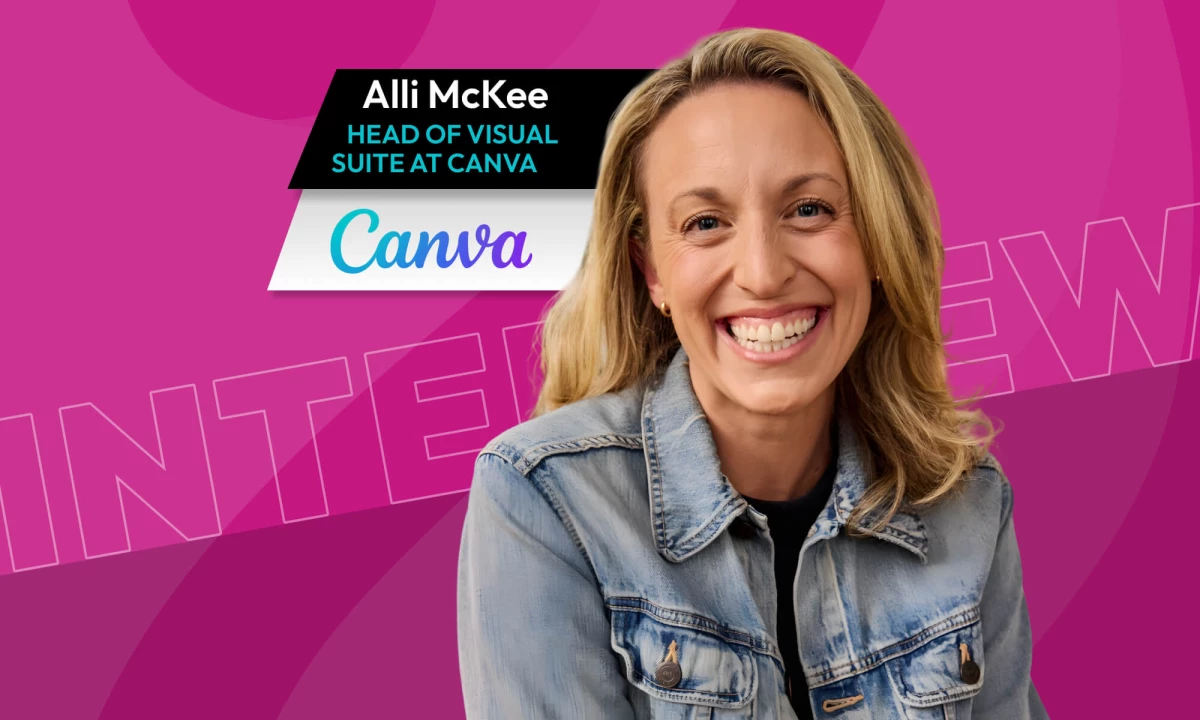
This stark regional difference hints at what’s coming for work, Alli McKee, head of Visual Suite at Canva, tells DesignRush in an exclusive interview.
"Decisions are increasingly made in comment threads and quick messages instead of 50-page decks, and that doesn't mean the work is less meaningful or lower quality. It means it's faster," McKee tells DesignRush.
With a front-row seat to how Canva’s users work, McKee flags three ways to keep pace with phone-first workflows:
- Lessons from phone-first markets: What Southeast Asia’s habits mean for North American teams
- AI on the small screen: How it changes what people can finish on a phone
- Systems before formats: Why teams should organize their brand system first
Keep reading for industry-expert tips on building better for the phone.
5 Mobile-First Lessons From a Canva Product Lead
When busy clients are bound to their desktops and can’t approve work from their phones, projects tend to stall.
McKee’s team at Canva has spent years designing around that bottleneck. The five lessons below show what agencies and brand teams can take from that work.

Who Is Alli McKee?
McKee is head of Visual Suite at Canva, where she oversees the global team building its AI-first tools for docs, presentations, whiteboards, and websites. She founded Stick.ai, a startup Google acquired, and later led projects including Google Vids and Google Slides.
1. Build for Work That Starts Anywhere
"Mobile has never been up for debate at Canva," McKee says.
Social media professionals, a core audience, have long needed tools that work on a phone.
The bigger signal came when Canva moved into formats traditionally built for desktop.
"What we saw after we introduced the Visual Suite in 2022 was how often people chose the phone as the starting point, not just for a social post but for a deck or a doc," she says.
In Southeast Asia, Latin America, and India, the phone is already the main place people get work done, McKee explains.
In Indonesia, 76% of Visual Suite users create on mobile, and South Korea's Visual Suite adoption grew 30% year over year.
Indonesia, the Philippines, and Brazil, all high-mobile markets, consistently rank in Canva's top three countries by monthly active users across Docs, Presentations, Websites, and Whiteboards.
Mobile carries real economic weight in those regions. The GSMA estimates mobile technologies generated 8.6% of Latin America’s GDP and 5.9% of Asia Pacific’s in 2025.
McKee sees the same phone-first habits spreading.
"I'd expect North America to follow," McKee says.
Wherever work starts, it rarely stays on one device.
"Work doesn't move in a straight line," she adds.
An idea can start on a commute, get edited across phone and laptop, and published across platforms.
Canva keeps the same files, brand context, and collaboration attached throughout.
"If mobile software makes people wait until they're back at a desk to share an idea or approve an edit, it creates a bottleneck that slows down the whole business," McKee says.
Microsoft’s 2025 Work Trend Index found the average worker receives 153 Teams messages a day and is interrupted every two minutes.
For brands, mobile-first design is also an operations question. Desktop-first tools add delay at every review and sign-off.
2. Let the Small Screen Force Better Decisions
Supporting that path meant rethinking what a powerful interface looks like.
"The biggest mistake is treating mobile as a smaller version of the desktop, or as a place to consume work rather than create it," McKee says.
Canva kept its mobile interface to drag-and-drop and one-click actions, so advanced work still feels easy on a small screen.
"We had to let go of the idea that software power means interface complexity," McKee says.
A phone can't carry a dozen menus, she says, so the team has to decide which controls appear, and when. The same discipline often improves the desktop product, too.
Most of those menus barely get used anyway. Pendo’s 2024 product benchmarks found just 6.4 of every 100 features drive 80% of clicks in the average product.
User feedback steers what gets fixed next. Canva says this year's 100-plus Visual Suite upgrades responded to over 55,000 user suggestions.
Constraint works as a design tool. Cutting what doesn't earn screen space makes a product clearer on any device.
Some things don't change with the screen.
Great design still depends on understanding the audience, communicating clearly, and making choices that move people to act.
3. Give AI the Fiddly Work on Mobile
AI widens what people can do inside those constraints.
"AI is expanding what people can start and finish on a phone," McKee says.
A voice or text prompt can now handle edits that would be fiddly with touch controls, she says, from drafting a presentation to rewriting content.
Sensor Tower’s State of AI 2026 report projected time spent in generative AI apps would more than double year over year, to 36 billion hours in the first half of 2026.
Canva AI 2.0, launched at Canva Create in April, pushes further with conversational design, which builds editable designs from typed or spoken prompts.
McKee is candid about the limits.
"The challenge is giving people enough control to get the result they want. Precise edits, comparing versions and checking details can still be difficult on a small screen."
Canva AI 2.0's object-based editing targets part of that gap, letting users change one element without regenerating the whole design.
Mobile AI earns its place at the finish line. Teams will trust work made on a phone once checking and fixing it there feels as easy as starting it.
4. Keep Intention and Taste With the Designer
Beyond the phone, McKee expects AI to adapt one idea to each audience, format, and screen as it understands the whole project.
"The designer sets the intention and brings the judgment, strategy and taste that give the work its purpose," she says.
AI is also blurring roles, she says. Designers ship code, PMs prototype, and engineers shape the experience earlier.
The AI in Design 2026 report from Designer Fund and Foundation Capital backs that up. Half of the 900-plus designers surveyed have shipped AI-generated code to production.
Nearly two-thirds say they now take on more PM and engineering tasks.
"In five years, I think we'll continue to see smaller teams taking ideas from problem to launch, with more shared ownership," she says.
Deep expertise still matters, McKee adds, alongside the ability to work across disciplines. The designer's role grows to include building, shipping, and learning from how people use the work.
Speed is easy to buy now, with AI design tools in nearly every workflow. Deciding what's worth making is the scarce part.
5. Organize the Brand System Before the Format
McKee has spent her career moving people from text to visuals, then from visuals to video.
She expects less time spent choosing formats upfront. A voice prompt might become a presentation for one audience and a video for another.
"The intent comes first; the format follows," she says.
For brands, McKee says, that means pulling fonts, colors, voice, assets, and guidelines into one system so AI has the context to adapt work consistently.
Without that context, consistency slips. An Optimizely survey of over 2,000 marketing leaders found 25% knowingly publish off-brand AI-generated content under tight deadlines.
Canva AI 2.0's Brand Intelligence already applies brand fonts, colors, and style automatically, and can update existing designs when guidelines change.
Creative direction and human judgment will still matter, McKee says.
"The opportunity is to spend less time recreating the same work for each channel and more time making it relevant to the people receiving it."
A brand identity that lives only in finished files gives AI nothing to work from. The system underneath is what scales.
How Agencies and Brands Can Catch Up to Mobile
Work rarely stays on one screen from first draft to final sign-off.
“Brands that design for one device at a time miss that,” McKee says.
Here’s where agencies and brand teams can start:
- Check where your work actually starts. Pull device data on how your team and clients create, review, and approve work, then design for those moments.
- Test every template on a phone first. A deck or brand template that breaks on a small screen breaks the workflow, too.
- Name an owner for the brand system. Someone has to keep fonts, assets, and rules current, or AI will scale outdated work just as fast.
For a real-world example, let's consider Formula E's September identity refresh.
Built with creative practice MOX, the new system has to hold up on a race circuit, a phone screen, and a sponsor’s booth in the same weekend, with sponsors and host cities all pulling from it.
In North America, presentations still start on a bigger screen far more often than on a phone. But whatever screen teams work from next, McKee sees one thing holding steady.
"Tools and habits will keep evolving, but the craft of visual storytelling will remain," she says.